![BORDER_SPT_LOGO_2018_TM-1.png]](https://www.support.sportsperformancetracking.com/hs-fs/hubfs/BORDER_SPT_LOGO_2018_TM-1.png?height=40&name=BORDER_SPT_LOGO_2018_TM-1.png)
After web app updates users can experience permission errors or page loading issues on the web dashboard e.g. "Failed to submit data. Permission was denied"
To resolve these issues we recommend using the Google Chrome browser and performing an Empty Cache and Hard Reload.
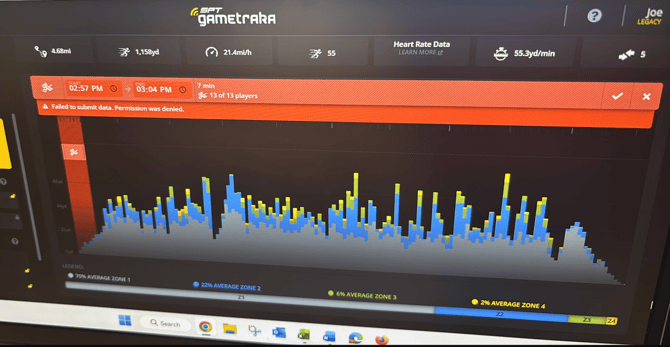
This is more thorough than a standard refresh and will force your browser to completely reset its connection to our server. Please follow these steps:
-
Open Google Chrome and navigate to the GameTraka login page.
-
Open Developer Tools: Right-click anywhere on the page and select Inspect at the very bottom of the menu (or press
F12on your keyboard).-
Note: You don’t need to do anything with the code panel that opens on the right; it just needs to stay open for the next step.
-
-
Perform the Reset: With the Inspect panel still open, right-click the Empty Cache and Hard Reload.
-
Log In: Once the page reloads, try logging in and accessing your dashboard again.
Final Check: Incognito Mode / Different Browser
If the steps above do not resolve the issue, please try opening a New Incognito Window (Ctrl + Shift + N on Windows or Cmd + Shift + N on Mac) and logging in there.
You can also try to load GameTraka on a different Browser - Try Mozilla Firefox, Safari or Microsoft Edge.